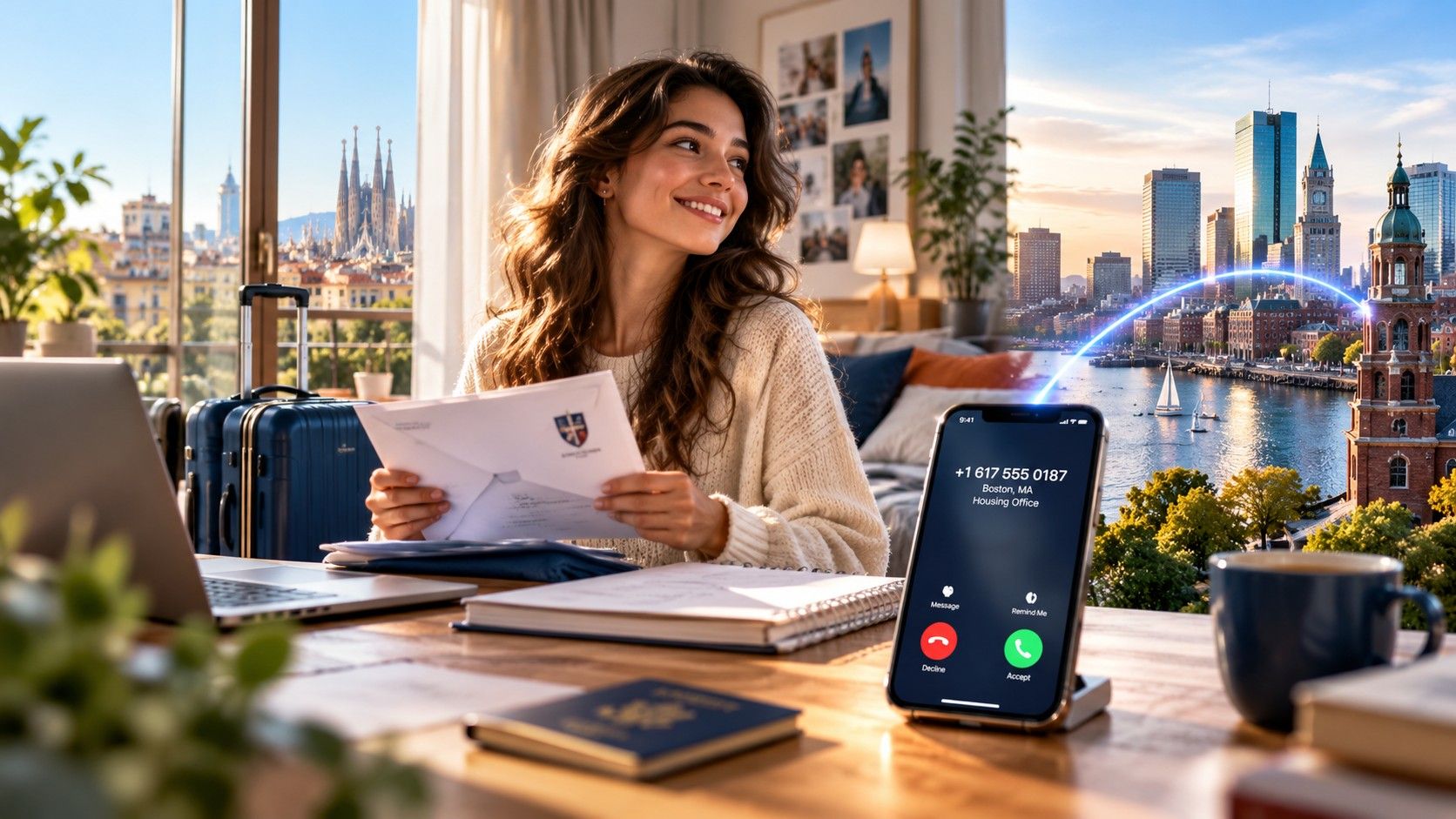
- Instagramdelivers the code
- Your +1 numberreceives the text or call
- TripoSIM appshows it on your phone
Instagram uses your phone number to confirm a new account and, with two-factor authentication on, to protect logins from new devices. When that number is a US number in the TripoSIM app, the codes reach you over Wi-Fi or mobile data in any country, whatever SIM is in your phone. Each Instagram step below comes from Instagram Help.
How does Instagram deliver its codes?
- Sign-up. Instagram delivers a confirmation code to the mobile number or email you sign up with.
- Two-factor login. With two-factor on, Instagram asks for a code when someone logs in from a device it does not recognize. You choose how it arrives: a text message, WhatsApp or an authentication app. The text code is 6 digits.
- WhatsApp codes are only available after the text message method is turned on.
The TripoSIM US number receives Instagram’s text in the TripoSIM app. TripoSIM tested Instagram on October 3, 2026.
How do you put your US number on Instagram?
Instagram’s path for the two-factor number on the web: More, Settings, Accounts Center, Password and security, Two-factor authentication, pick the account, choose SMS or WhatsApp, then Use different phone number and enter the new one.
In the Instagram app: Profile, Menu, Security, Two-factor authentication, then Change phone number next to SMS or WhatsApp.
Type the number with the +1 country code. Instagram asks you not to add zeros before the country code or any symbols. After you confirm the number, Instagram shows a list of backup codes: save them.
You can remove a confirmed number later, but Instagram keeps at least one confirmed mobile number or email on the account.
How do you keep the account safe?
- Turn on two-factor authentication in Accounts Center, Password and security, Two-factor authentication. Instagram recommends an authentication app, because several devices can get codes; up to five devices can be connected.
- Keep the text method as a backup on your US number, so a code can reach you if you change phones.
- Save backup codes. In Accounts Center, under Additional methods, then Backup codes. They can only be seen or replaced while you are logged in. Getting new codes cancels the old set.
- Check where you are logged in under Password and security, and log out of any location or device you do not recognize.
- Keep the number. If your TripoSIM plan ends, the number is kept 30 days on the yearly plan or 90 days on the monthly plan, then released. See number recycling and account security.
What if the code does not arrive?
- Check the number format: +1 and the 10 digits, no extra zeros or symbols.
- Check the TripoSIM app is online with notifications allowed.
- Use a backup code. Instagram says a backup code completes the login when a code cannot be delivered.
- Ask for a login link. If you cannot log in, Instagram can deliver a login link to your email or phone instead.
- Still stuck? Instagram may ask you to confirm your identity, sometimes with a video selfie. For the number itself, contact TripoSIM support.
Using Facebook too? See a US number for Facebook. For other apps, see which apps send codes to the number.